2/13/2026


As a Full Stack Developer, I love a good API integration. I love automation. I love things that make life "seamless."
But as a firearms instructor, I have a healthy dose of skepticism when it comes to "Smart Tech" in the world of self-defense. In the tech world, we have a saying: "Everything fails eventually." When your weather app fails, you get wet. When your self-defense gear fails, the stakes are a lot higher.
Here is how I evaluate high-tech gear through the lens of a developer and a shooter.
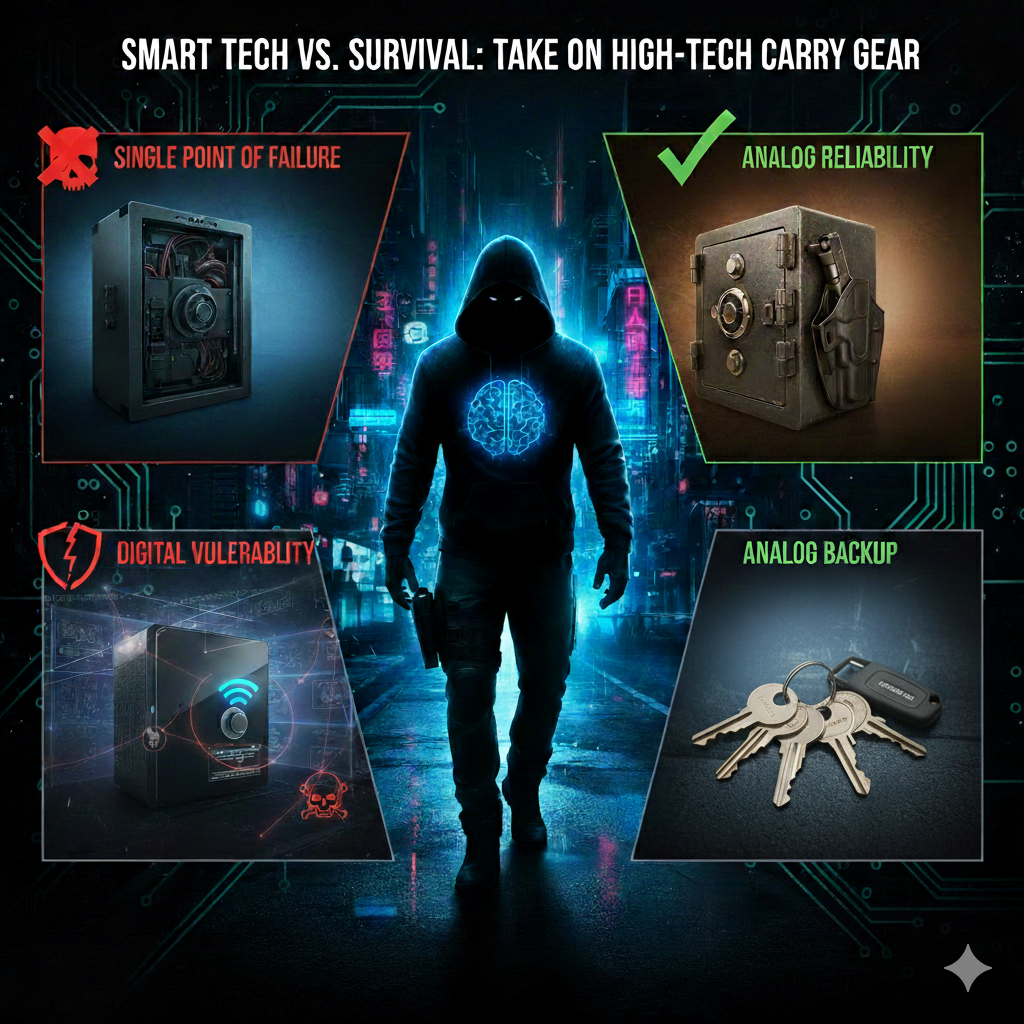
In software architecture, we try to avoid a Single Point of Failure (SPOF). If one server goes down, the whole app shouldn't crash.
When you look at biometric safes or smart holsters, you have to ask: What is the SPOF?
The Dev Verdict: If you use a biometric safe, ensure it has a high-quality manual override (a physical key or a mechanical combo). Never rely 100% on the "digital frontend."
We are seeing more "Smart Safes" that connect to Wi-Fi to send alerts to your phone if the safe is moved or tampered with. While that "feature" sounds great, every connected device is a potential entry point into your home network.
The Dev Verdict: If your safe requires a Wi-Fi connection, it’s a node on your network. If you aren't practicing good "network hygiene" (like using a guest network for IoT devices), you might be trading physical security for digital vulnerability.
In my development work at Dave’s Delightful Developments, I’m always looking for the newest, most efficient code. But in self-defense, there is a reason the "legacy" systems—like a standard Kydex holster or a mechanical lock—still dominate. They have a 100% "uptime."
I’m not a Luddite. I use tech every day. But I follow these three rules:
Before buying any "Smart" home security device (cameras, safes, or locks), check CVE Details to see if the manufacturer has a history of unpatched security vulnerabilities. Don't invite a hacker into your safe room.
(Next Week: Discover why everyone needs a mentor when the heat is on.)